Search with intent
Use a product name, category, style, or source link instead of saving every interesting item.
Independent helper for spreadsheet finds, category checks, and shortlists.
Search broadly, open one focused category, and keep only the product links with enough detail to compare later.
Searches open FindsIndex results. Use the guide and category pages here to compare and shortlist before saving more links.
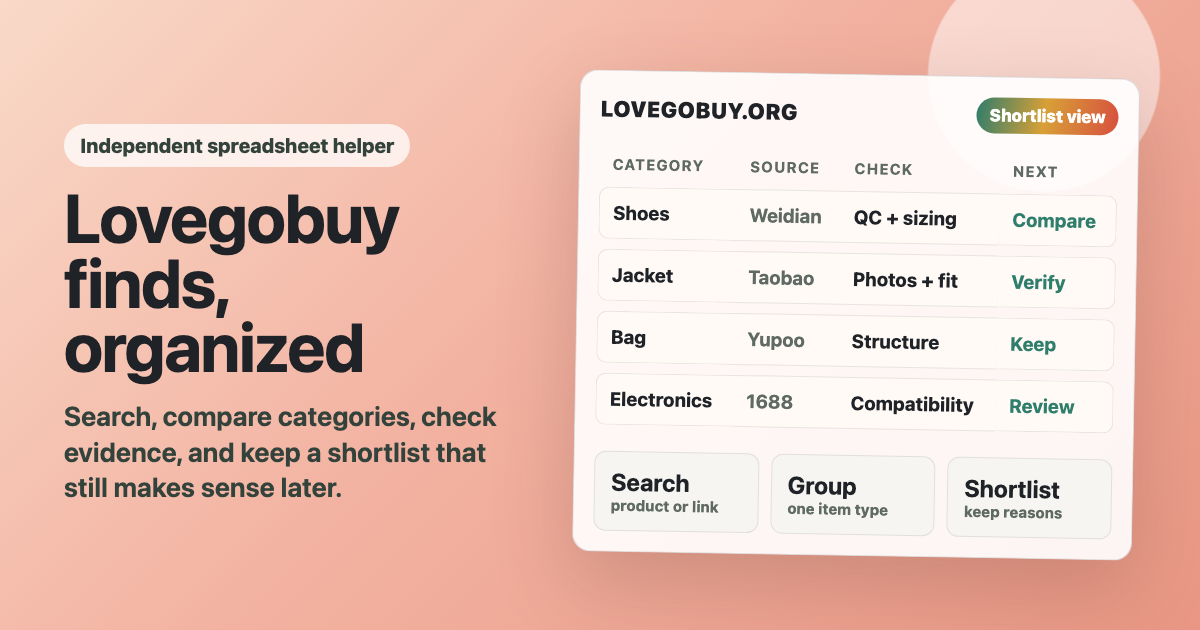
Start with the category that matches your real question: fit, sizing, material, accessories, or compatibility.
A long list can look helpful while you are collecting links, but it becomes harder to use when every item needs a different check. The fastest path is to search broadly, open one item type, and compare details while the group is still small.
Use a product name, category, style, or source link instead of saving every interesting item.
Compare similar items together so sizing, finish, and price differences are easier to notice.
Look for clear QC photos, believable pricing, useful titles, and any detail that explains why the item is worth keeping.
Keep fewer options, but write the reason each one survived the comparison.
Use the category grid when you already know what you want. Use the guide when your saved links are messy. Use the FAQ when a link, category, or comparison step feels unclear.
A practical walkthrough for turning scattered product links into a shorter, easier-to-trust list.
Read itOpen the product group that matches what you need to compare.
Open itShort answers about links, QC photos, categories, and deciding when to stop saving more.
See the answersTry a narrower search with the item type, source, or detail you care about, then compare only the results that still look useful.
Search betterIf the list already feels hard to read, the answer is not always more links. Pick the item type you care about, compare the details, and keep only the options that still make sense.
